


KuWFi 300Mbps Outdoor Wifi Router Repeater 2.4G Wireless Bridge Wifi Signal Amplifier Increases Wifi Range Point to Point 1KM
SPECIFICATIONS
2.4G Wi-Fi Transmission Rate: 300 Mbps
5G Wi-Fi Transmission Rate: None
Antenna Type: Internal
Application: Outdoor
Brand Name: KuWFi
Certification: CE
Frequency: 2.4 GHz
Frequency Band Class: Single-Band
High-concerned chemical: None
LAN Ports: 2
Max. LAN Data Rate: 300Mbps
Origin: Mainland China
Package: Yes
Recommended Uses: Home
Standards And Protocols: Wi-Fi 802.11g,Wi-Fi 802.11b,Wi-Fi 802.11n
Support Mesh: Not Supported
Supports WDS: No
Supports WPS: No
Type: WireLess
Wi-Fi Supported Frequency: 2.4G
Wi-Fi Transmission Standard: 802.11b
Wireless Communication Standard: 802.11.ac
Wireless transmission rate: 300m
With Modem Function: No
If you have any questions about the product you received, please contact us promptly. We will solve the problem for you within 24 hours.
Our products provide the following special services
(1)1-year warranty period: If all routers have quality problems within 1 year, our store supports free return and replacement of new products.
(2)Three-month warranty period: For products other than routers, if quality problems occur within three months, our store supports free return and replacement of new products.
Dear Russian buyer, if your order is delivered through the novice OD RU POST channel, please pick up the package within 7 days when it arrives in the local area. If you do not pick up the goods, the package will be returned automatically.
Product Description
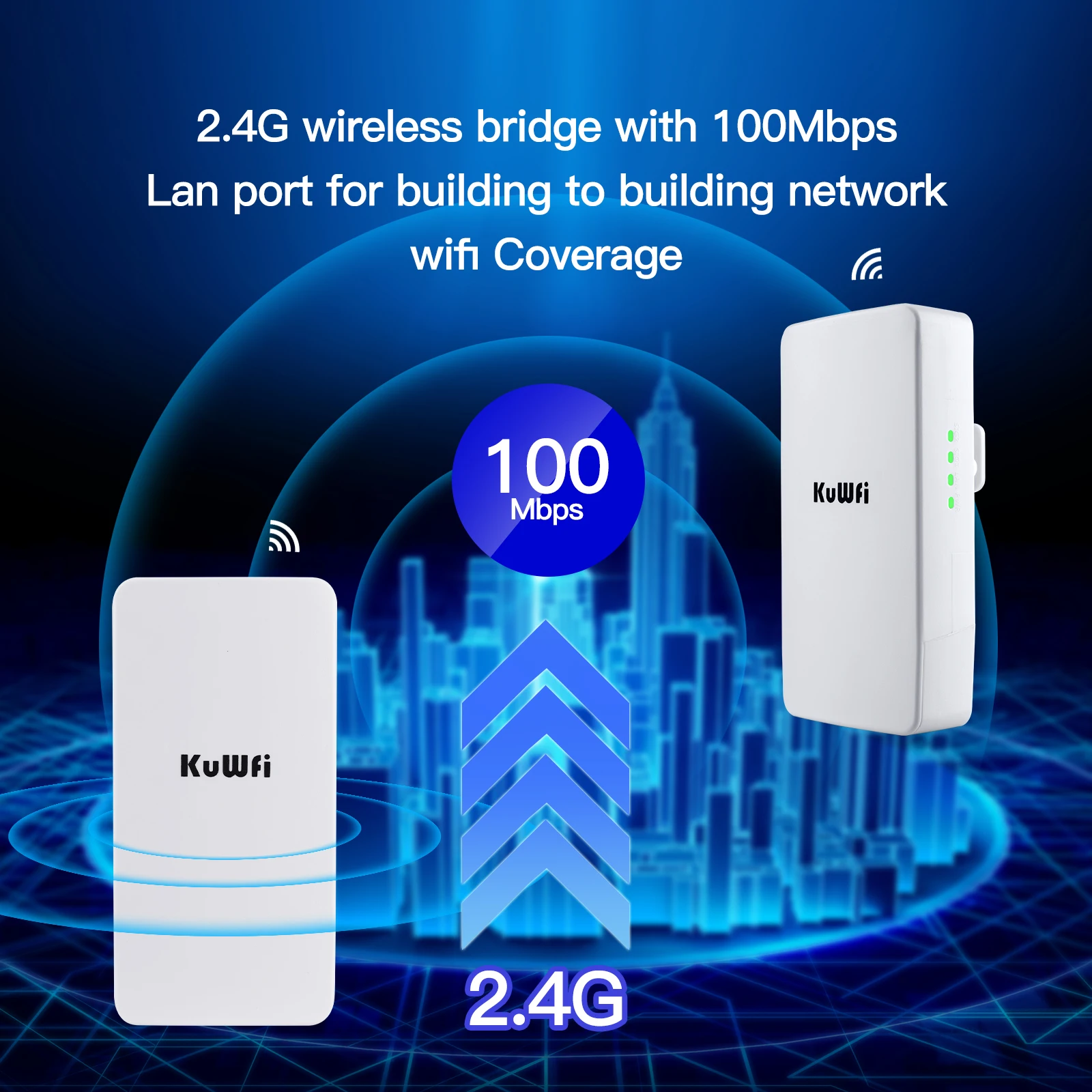
1. 2.4GHz frequency band, support 300Mbps AP function, can access more wireless clients.
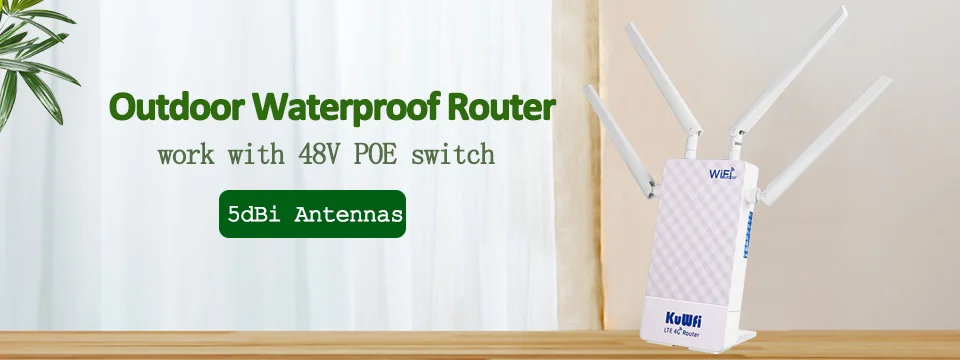
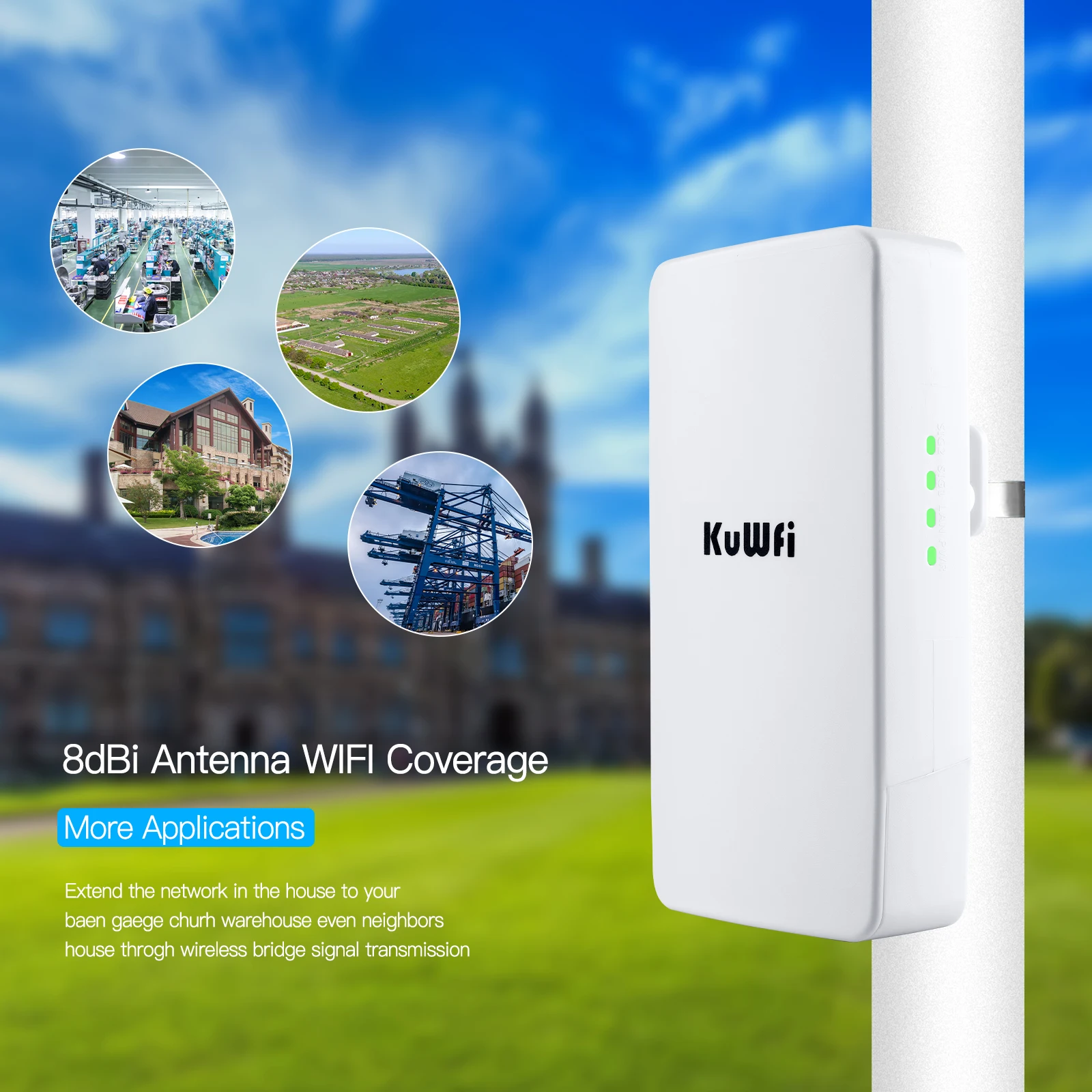
2. It adopts dust-proof and waterproof shell, all-weather sun protection, waterproof and dust-proof sealing design, which can be used in various outdoor environments.
3. Support PoE remote 100M network cable power supply and DC power supply mode, easy to manage, support digital display pairing information for remote pairing debugging,
4. It is suitable for outdoor monitoring projects, especially when two routers work at the same time, the LED displays the same number NO, which means they have been paired.
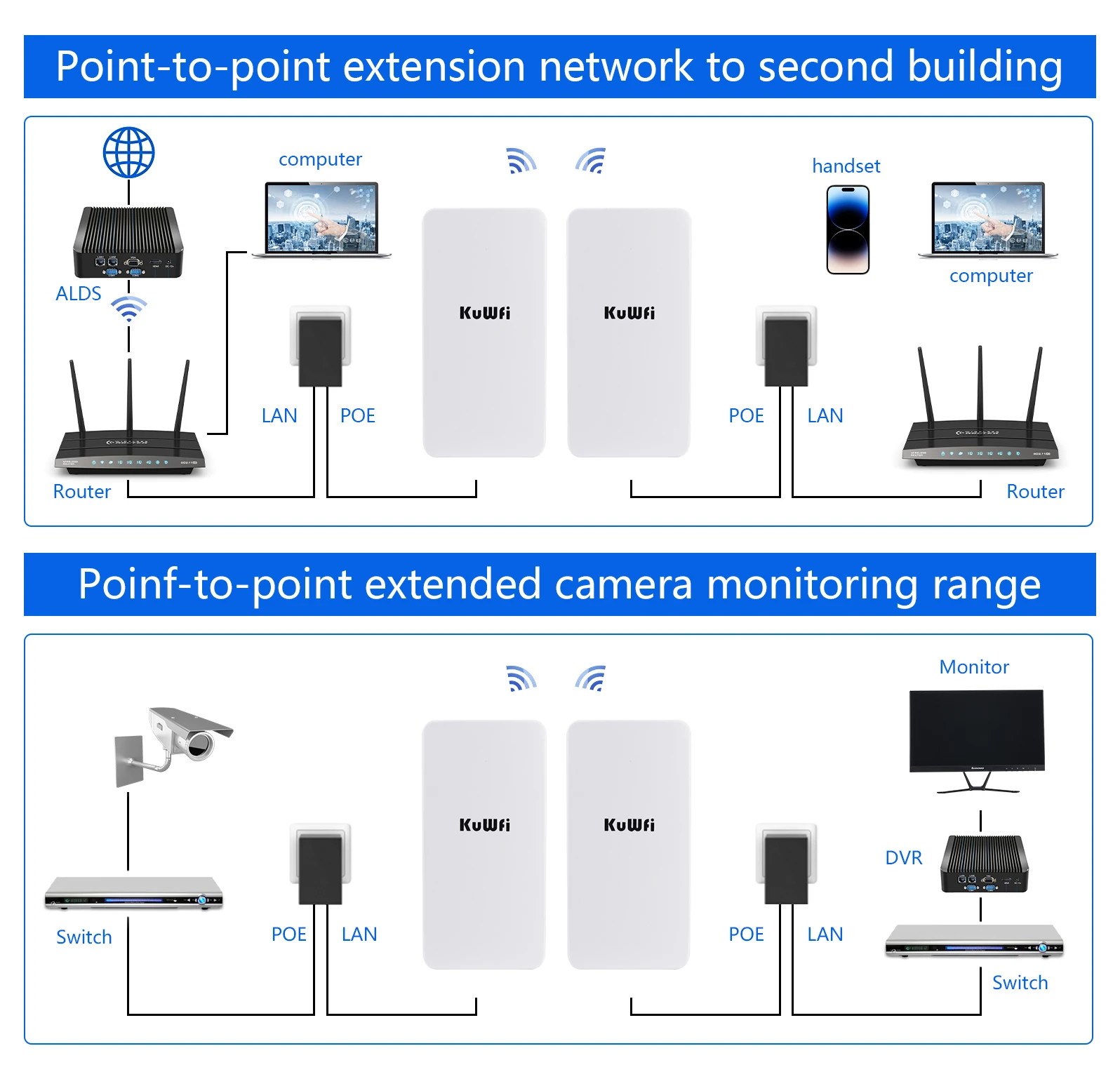
5. Effective solution for PTP, PTMP application and easy to use IP camera (camera) and network DVR to set up CPE
6. Working temperature: -30℃-55℃ Storage temperature: -40℃-70℃
7. Equipped with 2*10/100M LAN ports, Ethernet data rate is 2 times faster than ordinary CPE, support gateway (PPPOE, static IP, dynamic IP), wireless AP
Specification
Wired Interface: 10/100Mbps LAN*2
Standard: IEEE 802. 11b,IEEE802.11g ,IEEE802.3n
Power : POE 24V 0.5A
Encryption: WEP encryption 64/128bits, WPA, WPA2,802.1x 5.
Operating temperature: -5℃ ~ 65℃
Packing list
Router*1/2pcs
POE Power Adapter (24V0.5A)*2pcs
Quick Start Guide*1pcs
Ethernet Cable (1meter) *2pcs
Shipping time and tracking
We use safe trackable shipping methods to ship parcels ,below is estimated delivery time for different countries :
Asian countries 7-10 days .
European countries 7-15 days .
United States 10-15 days .
American countries 15-25 days .
Brazil 15-45 days .
Service
Customer service working hours:Beijing 9:30-18:30(Working Day)
Ship orders within 48 hours (except weekends)

Adapt to all kinds of harsh environments
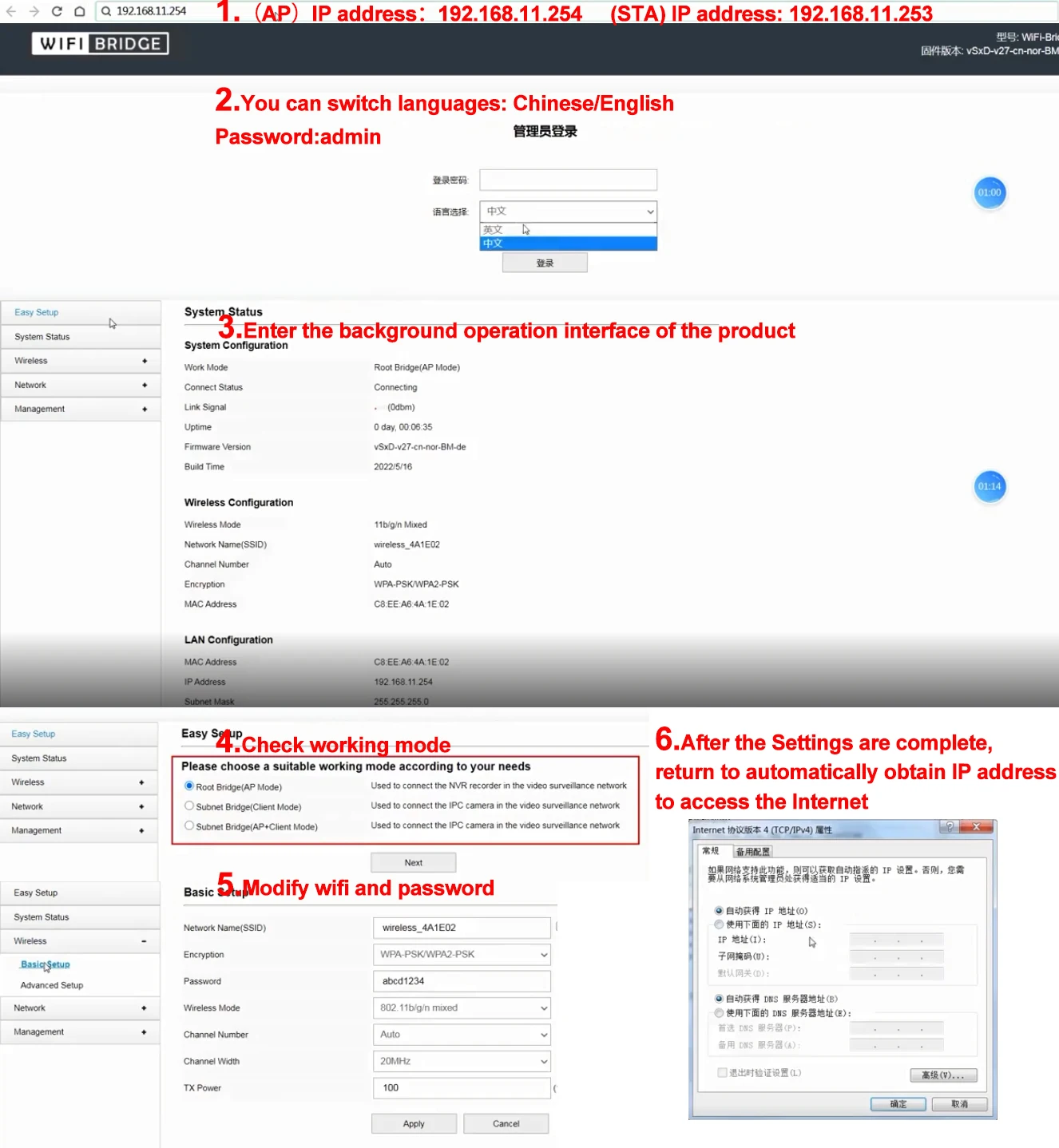
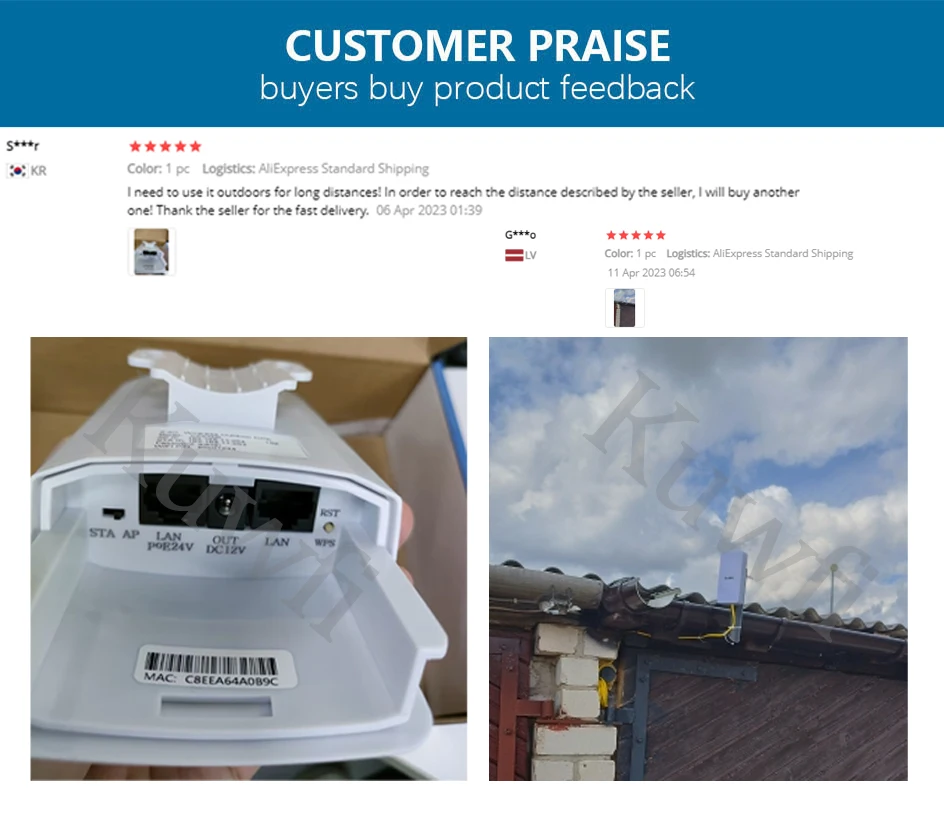
Using ASA outdoor engineering plastic shell and professional components, to provide IP65 level dust, waterproof, adapt to the wind blowing, sun exposure, rainforest, snow freeze and other harsh environment, even in the extreme high and low temperature (-30°C to 70°C) environment, also can be normal and stable work.
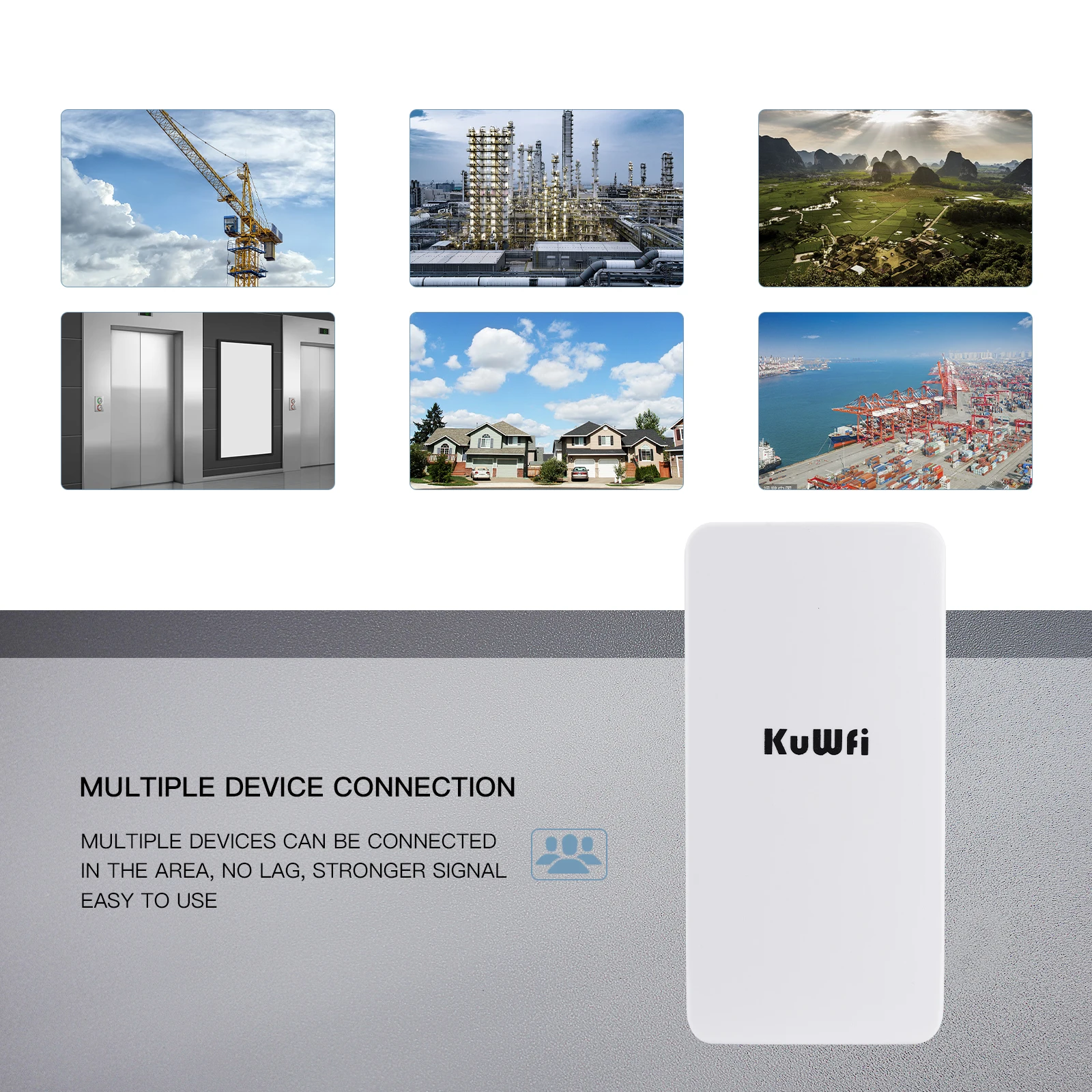
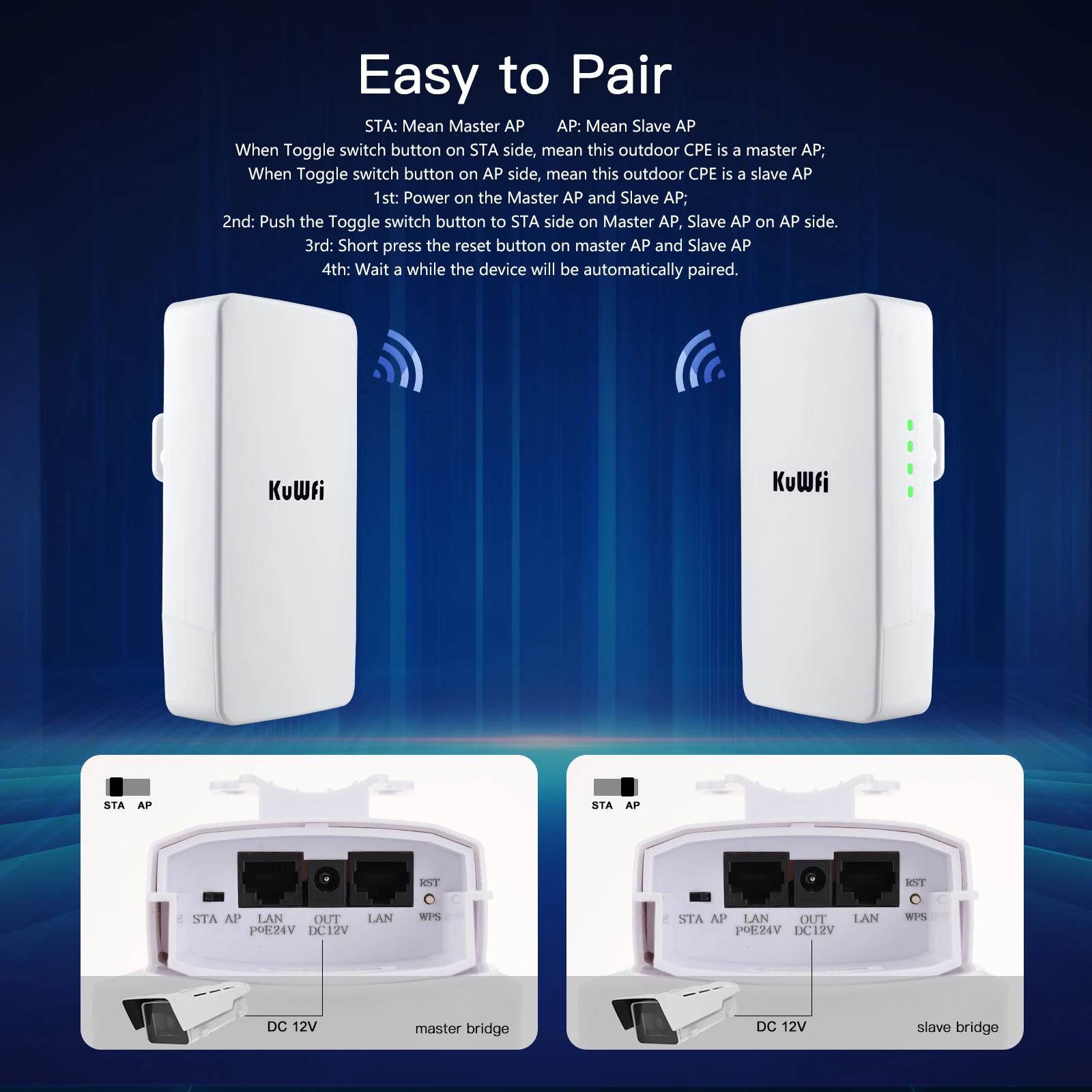
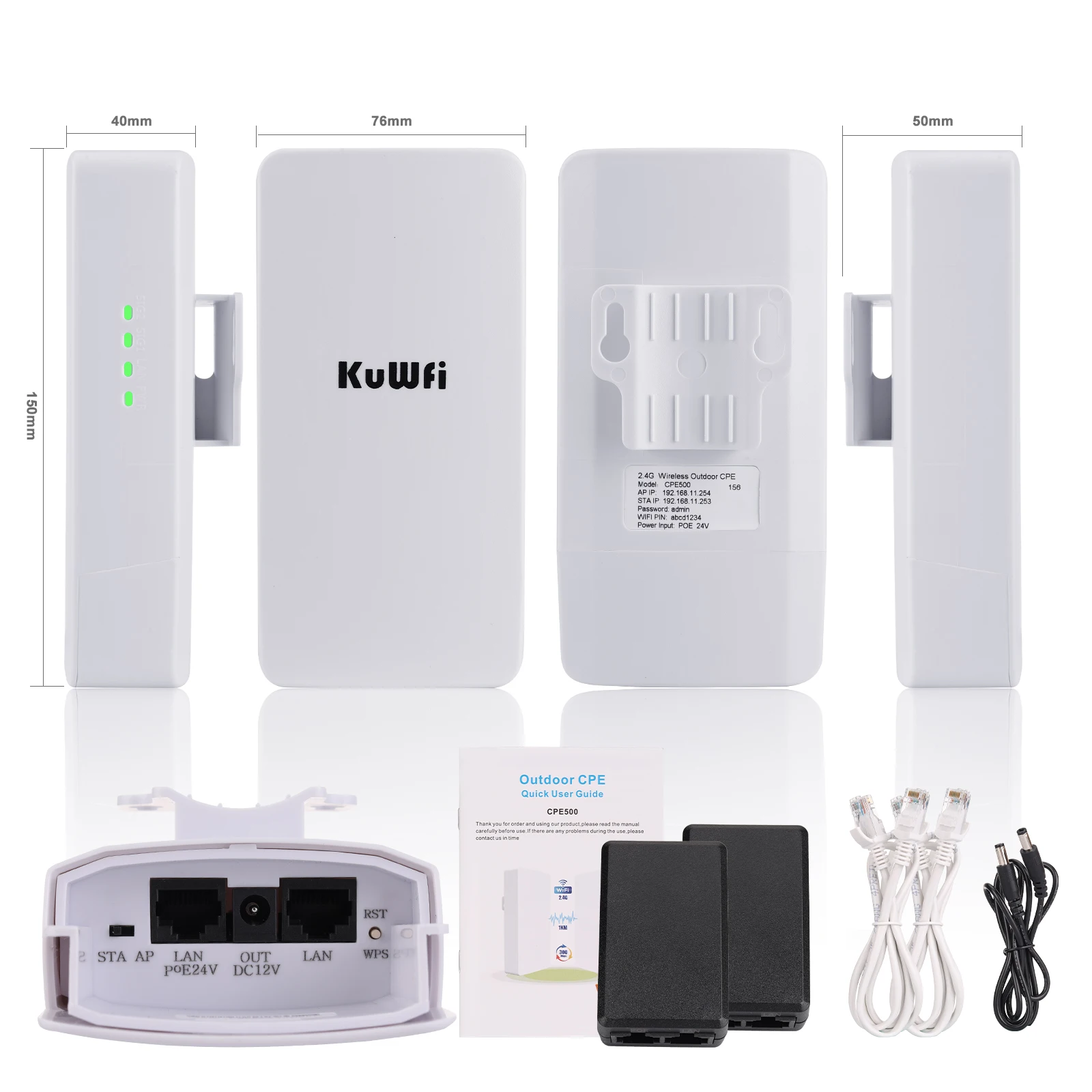


Note: the IP addresses of Master and Slave Bridge are different
Master Bridge
(AP)IP address:192.168.11.254

Slave Bridge
(STA) IP address: 192.168.11.253

Since the Bridge devices are mainly used for long-range signal bridge and repeating,and to avoid IP address confliction when the CPE is connected with another router device,our bridge products disable the DHCP function(automatic IP address assignment)by default,you need to set CPE ,please make the follow step configure
1.Please connect cpe with power by poe adapter ,and then connect cpe with your PC
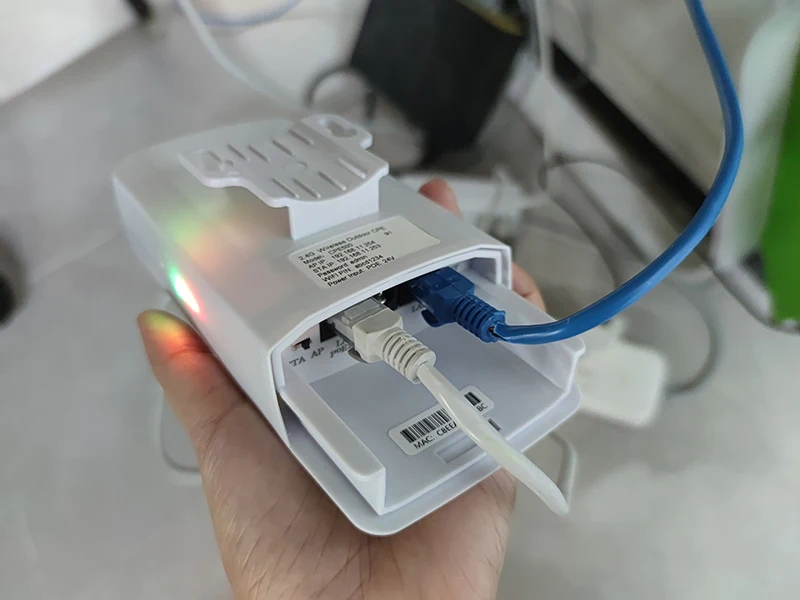
2.Pls configure your PC IP as 192.168.11.xxx (xxx is a figure 2-254)as the diagram below.
How to Configure Your PC IP As 192.168.11.xxx:
--Find the network icon in the lower right corner and click Open Network and Internet Settings.

--Select Ethernet and Click the Change Adapter Option.

--Find the network connection you are using and right click on Properties

--Double-click the IPV4 setting,select the IP address below,enter the IP and confirm.

--Configure your PC IP as 192.168.11.xxx (xxx is a figure 2-254),note that the set PC IP cannot be the same as the IP of the CPE

3.Open the browser ,input 192.168.11.254 or 192.168.11.253 at the IE bar,then input user name and password at the user interface to enter into the configuration page.
Master CPE Default IP:192.168.11.254
Slave CPE Default IP:192.168.11.253

FAQ:
Q:Product does not turn on
A:Please connect product's WAN port with adapter's POE port. If connect correctly ,still not power ,please change the adapter and rj45 lan cable to try.
Q:The transmission distance does not meet the description
A: The transmission distance is affected by many factors, such as weather, local network conditions, buildings, trees, etc.,maybe it cannot meet the description,but please understand.
Q:Outdoor wifi bridge does not work
A:Please help to answer these question:
1. please comfirm the light if it is on
2. How you connect kuwfi product?
3. Please tell me which mode that you want to use?


